
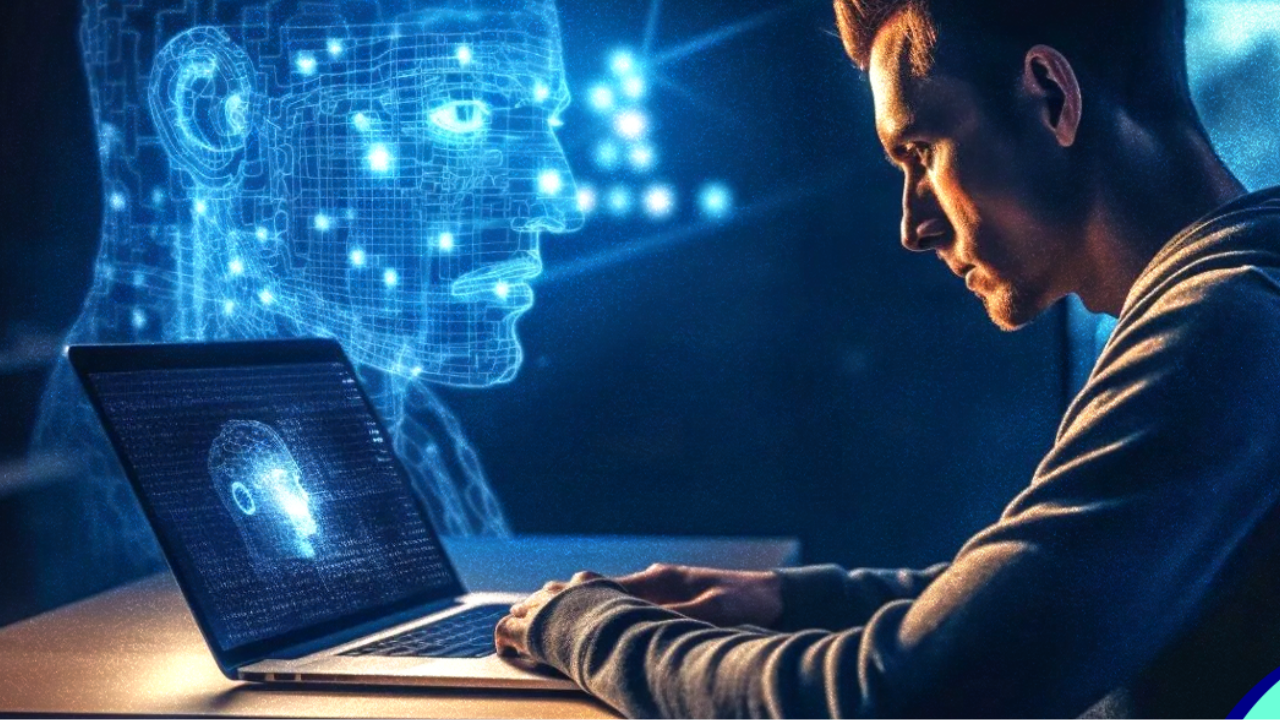
Your computer no longer waits for commands. It learns patterns and responds in advance. This change feels small at first, but it reshapes daily use.
According to Gartner, over 55% of new personal computers will come equipped with AI processors by 2026.
These processors work in real time without sending data to the cloud. As a result, systems respond faster and feel more personal. Students notice smoother lessons. Office users feel fewer delays.
Gamers see stable performance. Each action flows into the next one. The experience feels natural because the system adapts step by step. An AI-driven system, like an Aura compute,r uses on-device intelligence to study behavior and adjust instantly.
This article explains what truly happens when an AI computer predicts your next move and why that prediction feels so real.
Your AI Computer Builds a Behavior Model
An AI computer starts by creating a behavior map. It watches how you use apps and tools. It tracks time patterns and task order. This data stays local and updates constantly.
The system uses machine learning models that run on the NPU. These models analyze usage frequency and transition speed. When patterns repeat, the system locks them in.
How the behavior model works in real time
This process runs quietly and continuously.
- Tracks app launch order.
- Measures task duration
- Detects repeated workflows
- Updates prediction confidence.
An Aura computer uses this local behavior model to determine what should be loaded next. The system does not guess randomly. It calculates probability based on past actions.
The System Prepares Resources Ahead of Time
Once a prediction becomes accurate, the system prepares hardware resources early. Memory and processing power shift before you act. This step removes the delay.
For example, when you finish typing notes, the system may preload your browser tabs. When you open a design tool, the GPU wakes early. This preparation feels instant to the user.
Why early resource allocation matters
Preparation prevents slowdowns.
- RAM loads in advance
- CPU cores activate early
- Storage queues files
- Power stays balanced
An Aura computer relies on predictive resource scheduling. This technique reduces wait time and improves system stability.
Apps Load Based on Probability, Not Requests
Traditional systems open apps after a click. AI systems work differently. They load apps based on likelihood.
The AI model assigns a confidence score to each next action. When the score crosses a threshold, the app enters standby mode. This cuts launch time.
Smart app prediction in action
Prediction saves seconds repeatedly.
- Frequently used apps stay warm.
- Background services activate early.
- Disk access happens ahead.
- UI elements appear faster.
In an Aura computer, this process runs through the NPU instead of the CPU. That keeps performance smooth without draining power.
Power Management Adjusts in Real Time
AI prediction also controls energy use. The system understands workload intensity. It shifts power dynamically. Heavy tasks trigger performance mode. Reading or browsing triggers efficiency mode. Sleep states activate when focus drops.
Intelligent power decisions
Power use follows behavior.
- Boost during heavy work.
- Reduce clocks during idle time.
- Extend battery life
- Lower heat output
An AI computer combines prediction and power scaling. This balance improves device lifespan and daily comfort.
Error Prevention Takes Place Prior to Mistakes
Prediction reduces errors by detecting risk patterns. The system notices hesitation and rapid switching. It reacts before problems occur. Files save automatically when typing speed increases. Warnings appear when closing active work. Undo states expand when errors feel likely.
Predictive safety features
Prevention builds confidence.
- Auto save triggers early.
- File loss warnings appear.
- App crashes drop
- Recovery stays fast
These protections rely on pattern detection rather than fixed rules.
Learning Tools Adapt to User Pace
AI computers support learning through adaptive timing. The system watches reading speed and interaction pauses. It adjusts content delivery. When focus drops, the system suggests breaks. When the pace increases, it removes interruptions.
Personalized learning support
Learning stays comfortable.
- Adjusted text speed
- Smart reminders
- Reduced distractions
- Focus on friendly layouts
An Aura computer uses on-device learning models to adapt without sharing personal data externally.
Workflows Become Seamless
Prediction reshapes professional workflows. The system understands task chains. It prepares files, tools, and layouts.
When meetings start, documents open. When editing begins, reference files appear. Switching feels natural.
Workflow intelligence at work
Flow improves results.
- Prepared environments
- Timed notifications
- Reduced clutter
- Faster task switching
Each step connects logically. This connection lowers mental load.
Privacy Remains Under User Control
Modern AI systems focus on local processing. Most predictions run on the device. Users control data access. Settings remain simple and visible. Learning resets easily.
Clear privacy structure
Trust stays strong
- Local AI processing
- Transparent controls
- Easy opt-out
- Secure storage
An Aura computer depends on device intelligence rather than cloud tracking. That keeps data close and secure.
Conclusion
When your AI computer anticipates your next move, it transforms how you work, learn, and relax. Prediction feels real because it relies on technical systems like NPU behavior models and resource scheduling. Each action connects smoothly to the next one. That flow builds trust and comfort.
The Aura computer approach shows how AI can feel helpful without being intrusive. As technology advances, this prediction will become even more accurate. The future of computing feels less about commands and more about understanding.