
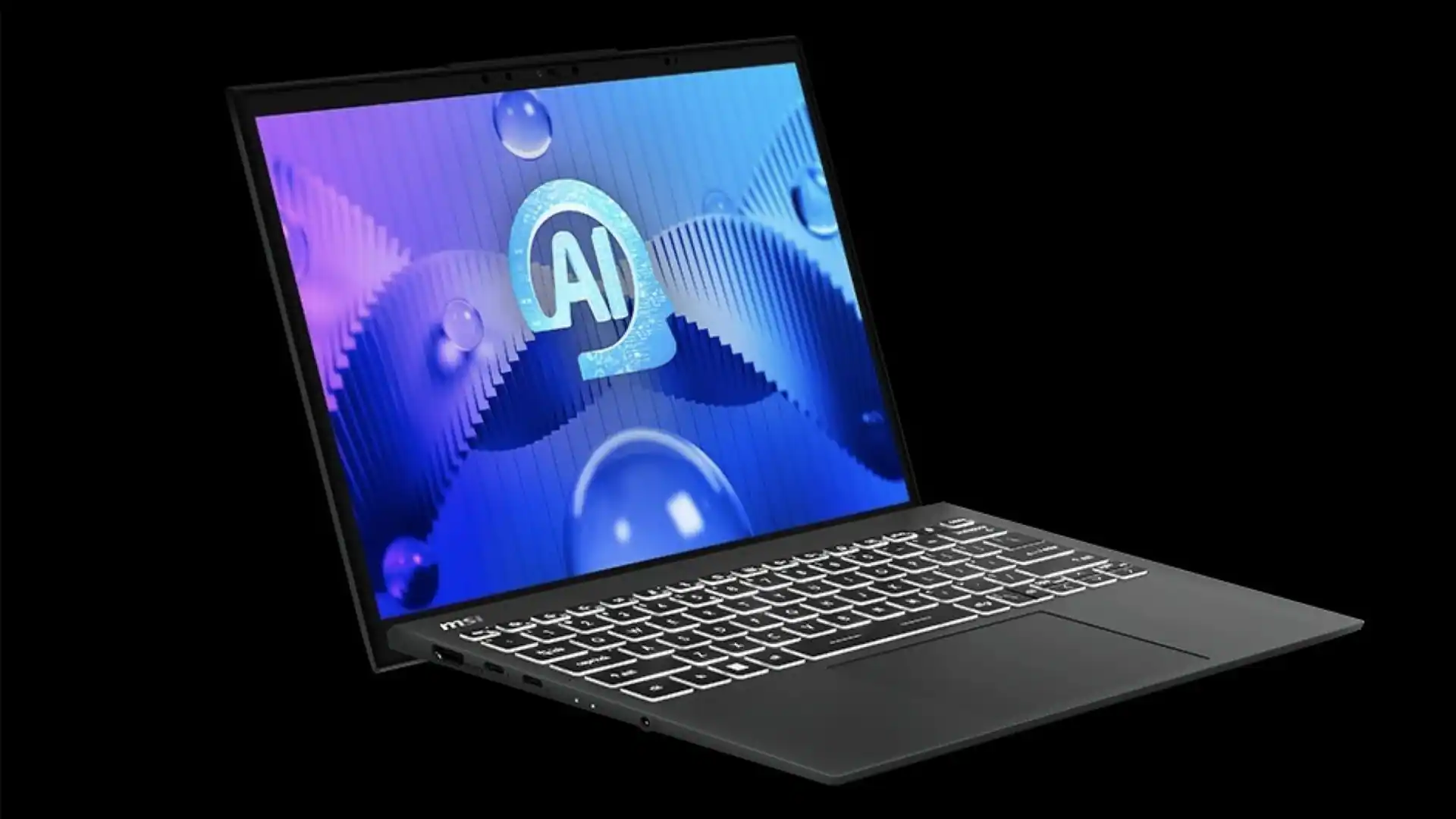
Modern businesses rely on powerful computing systems to process data and train models and run complex applications every day. As workloads grow heavier professionals need devices that deliver steady performance without slowing down or overheating. This is where an AI laptop stands apart from traditional systems.
It combines intelligent processing power with advanced thermal cooling so teams can work longer and achieve more without interruption. At the same time organizations want reliability and energy efficiency and consistent speed because downtime directly affects productivity and revenue.
When heat builds up inside a laptop performance drops and hardware lifespan shortens. Let us explore how with advanced cooling strategies modern devices maintain stable temperatures even under demanding tasks.
1. Intelligent Thermal Sensors That Monitor Heat in Real Time
Heavy workloads such as AI model training and large scale data analysis generate significant heat. Therefore modern systems rely on intelligent thermal sensors to monitor internal temperatures at every moment. These sensors track the CPU and GPU and memory modules and storage units. As soon as temperatures begin to rise the system responds instantly.
An AI laptop uses embedded microcontrollers that collect thermal data and adjust performance settings in real time. Instead of waiting for overheating to occur it predicts temperature spikes based on workload intensity. Because of this proactive approach the device maintains stability even during long computing sessions.
Moreover real time monitoring protects internal components from stress. When hardware stays within safe temperature limits it performs better and lasts longer. This constant awareness forms the foundation of advanced thermal management.
2. Advanced Vapor Chamber Cooling Systems
Traditional heat pipes move heat away from processors yet vapor chamber systems distribute heat more evenly across a wider surface. As workloads increase concentrated heat zones can form near the CPU and GPU. However vapor chambers spread this heat quickly and efficiently.
The process works through liquid evaporation and condensation inside a sealed chamber. When the processor generates heat the liquid turns into vapor and moves to cooler areas. Then it condenses and releases heat away from critical components. This continuous cycle ensures stable thermal balance.
Because of this design an AI laptop can handle extended rendering tasks and AI inference operations and large dataset processing without thermal throttling. As a result professionals experience consistent speeds instead of sudden slowdowns. That consistency matters when deadlines depend on reliable performance.
3. Dual Fan and Smart Airflow Architecture
Cooling systems rely on airflow to remove internal heat. Therefore advanced laptops now use dual fan designs combined with carefully engineered air channels. These systems pull cool air in and push hot air out in a controlled path.
How Smart Airflow Enhances Performance
- Balanced intake and exhaust vents improve heat dissipation
- High blade density fans increase air pressure without raising noise levels
- Directional airflow prevents heat buildup around sensitive components
- Automatic fan speed adjustment responds to workload intensity
Because airflow moves efficiently across the motherboard, components stay cooler under pressure. At the same time intelligent fan control prevents unnecessary noise during light tasks. This balance allows professionals to work comfortably in office settings while still accessing full power when needed.
4. AI Driven Power Management Optimization
High performance does not always require maximum power. Instead intelligent systems analyze workload patterns and allocate resources precisely where they are needed. This method reduces excess heat generation while maintaining speed.
An AI laptop uses machine learning algorithms to study user behavior and application demands. For example when running deep learning frameworks the system shifts power toward the GPU. However during documentation or light browsing it lowers clock speeds to reduce heat output.
This dynamic adjustment delivers three key advantages.
- Lower internal temperatures during variable workloads
- Improved battery efficiency in mobile environments
- Sustained high performance during intensive tasks
Because the device distributes power intelligently it avoids unnecessary strain on hardware. Consequently businesses gain both speed and stability without sacrificing long term reliability.
5. High Performance Thermal Interface Materials
Thermal interface materials play a critical role in heat transfer between processors and cooling systems. Although they remain unseen by users they directly affect system efficiency. Manufacturers now use advanced compounds such as liquid metal or high conductivity thermal pastes to improve heat flow.
These materials fill microscopic gaps between the processor and the heat sink. As a result they create better contact and allow heat to transfer quickly. When heat moves away efficiently the processor maintains higher clock speeds without throttling.
Furthermore, improved thermal materials reduce hotspots that often cause performance drops. This technology ensures that heavy workloads such as AI model compilation and 3D simulations run smoothly for extended periods. Over time better heat transfer also protects silicon components from thermal fatigue.
6. Precision Engineered Chassis Design
Cooling performance depends not only on internal components but also on external design. Engineers now build chassis structures that support airflow and heat dissipation from every angle. Aluminum and magnesium alloys help conduct heat away from internal parts while maintaining structural strength.
The internal layout also matters. Designers separate heat generating components to prevent localized temperature spikes. Meanwhile vent placement ensures that hot air exits efficiently without circulating back inside.
Because of these structural improvements an AI laptop remains thinner and lighter while still delivering enterprise grade performance. This balance allows professionals to carry powerful computing systems into meetings and remote sites and collaborative spaces without compromising cooling capability.
7. Workload Balancing Across CPU GPU and NPU
Modern AI computing does not rely on a single processor. Instead it distributes tasks across the CPU and GPU and dedicated Neural Processing Units. This balanced approach reduces stress on any one component and improves thermal stability.
Coordinated Processing for Heavy Tasks
- CPU handles general computing and system operations
- GPU accelerates parallel tasks such as model training
- NPU processes AI specific workloads efficiently
- System firmware coordinates task allocation dynamically
Because each processor handles the work it performs best the system avoids overheating any single unit. This intelligent distribution supports demanding applications such as real time analytics and computer vision processing.
Moreover balanced workload management increases throughput while maintaining controlled temperatures. As a result businesses gain faster results without sacrificing hardware health.
Conclusion
Advanced thermal cooling defines the true strength of modern high performance systems. While raw processing power attracts attention, sustained performance builds trust.
An AI laptop achieves this balance through intelligent sensors and vapor chambers and optimized airflow and smart power allocation and advanced materials and precision chassis engineering and coordinated workload distribution. Each element works together to manage heat before it becomes a problem.
Therefore organizations can run complex AI models and analyze large datasets and support mission critical applications with confidence. When technology remains cool under pressure teams stay productive and focused.