
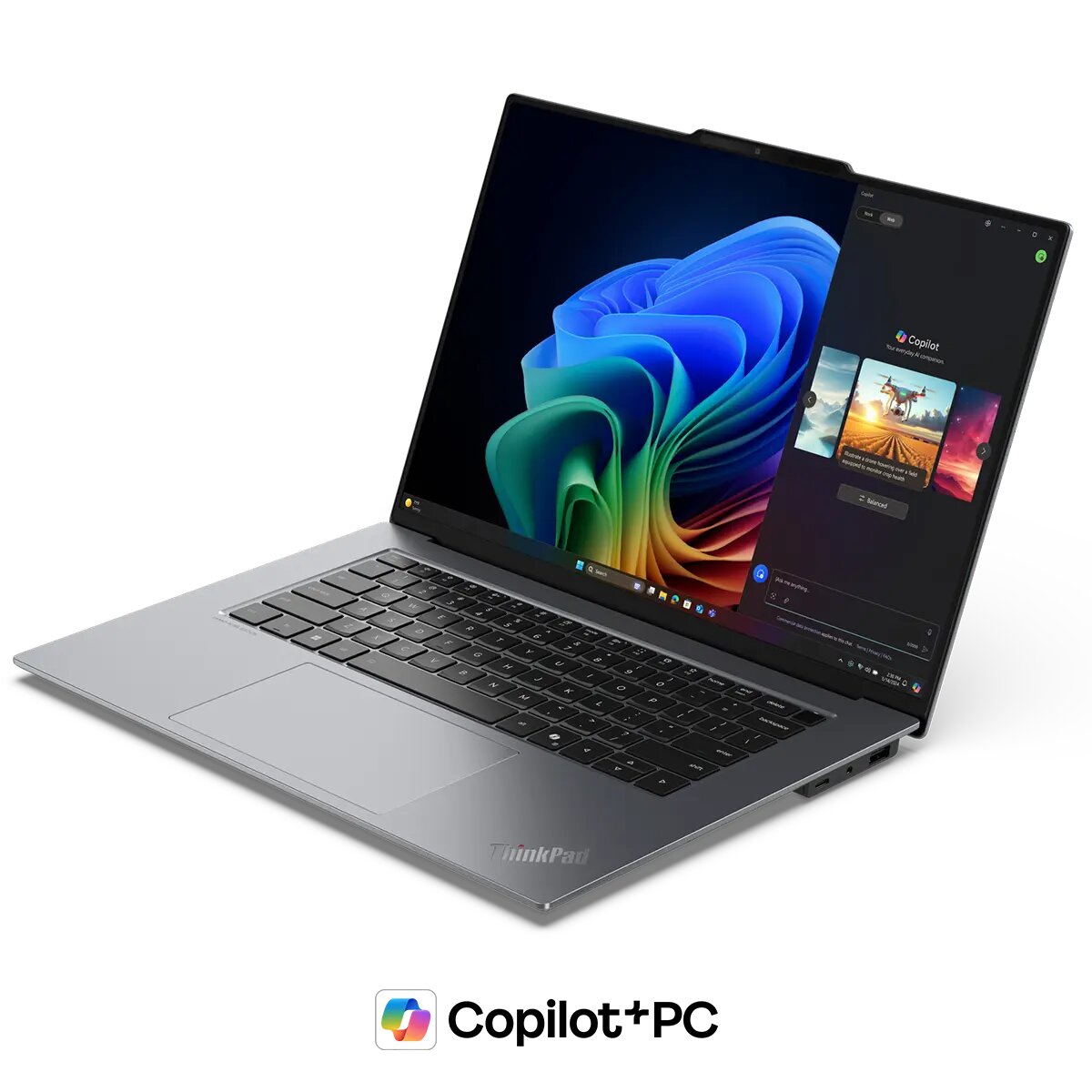
AI computers keep getting smarter. People love fast laptops and long battery life. A 2024 global tech survey showed that over 70 percent of users want stronger battery performance in their everyday devices.
This number grows each year and it shows a rising need for better power control. AI steps in at the right time because it learns how people use their devices. It works nonstop to boost speed and stretch battery life.
Each feature works together to deliver a smooth experience. This makes every action feel quick and steady. AI also helps remove waste and keeps the system cool. All these benefits make AI computers stand out.
Keep reading to understand seven reasons AI computers excel at power and battery management.
1. AI Adjusts Power Use Based on Real Workload
Daily device use follows clear patterns that smart systems can track with ease. The best AI computers read patterns in user activity and check what apps stay open and what tasks need more power. This helps the system send the right amount of energy to each part. Nothing goes to waste.
A heavy game needs more graphics strength and the AI sends it. A light note app needs less power and the AI cuts back on energy use. This smart control makes the computer feel more steady.
AI Studies Activity Trends Like a Digital Coach
AI forms a power plan by tracking daily habits. It sees when users work on tasks that need strong performance. It also sees when they shift to lighter tasks. It switches between high-performance mode and battery-saving mode with smooth transitions.
Every shift supports a longer battery cycle and a cooler system. Users do not need to press buttons. The AI takes care of everything
2. AI Protects Battery Health for Longer Device Life
Battery health drops when power use stays high for too long. AI-powered computers stop this from happening. They check battery temperature. They reduce stress on battery cells when they sense rising heat. This protects the internal components and helps the battery last for years. AI also slows down charging at the right time to prevent wear.
Smart Charging Extends Battery Performance
AI uses adaptive charging. It charges fast at first, then slows down when the battery reaches a high level. This prevents overcharging and heat buildup. The battery lasts longer because it has less stress. Users enjoy stable battery performance even after long months of daily use.
3. AI Reduces Background Activity
Unneeded apps drain power. The best AI computer shuts down unnecessary background processes and saves energy, and boosts speed. It makes the system feel clean and light. Users keep working on tasks without lag. The AI keeps scanning for hidden drains and removes them.
Clean System Flow Improves Battery Life
A device with fewer background tasks lasts longer on a single charge. AI makes sure only active apps get energy. This keeps the battery from dropping fast. Users can finish schoolwork or stream videos with fewer interruptions.
4. AI Boosts Cooling Efficiency
Heat drains battery life. AI controls cooling fans to keep the system at a safe level. It increases fan speed as tasks become heavier. It lowers fan speed when tasks calm down. This helps the computer stay cool during long work hours or gaming sessions.
Better Cooling Leads to Stronger Performance
A cooler system runs faster. AI helps avoid thermal throttling. This means the processor stays strong without sudden drops in speed. Users enjoy smooth performance and longer battery cycles.
5. AI Learns Power Patterns Across Apps
Not all apps use energy the same way. The best AI computer studies what each app needs. It assigns power levels that match each task. It avoids overinvesting in simple tools. It gives enough energy to heavy apps only when required.
Balanced Energy Means Longer Use Time
AI creates harmony across apps. Every section of the device gets the power it needs. This balance helps the battery last much longer. Users feel the difference while traveling for work or study.
6. AI Supports Real-Time Optimization
AI updates power use every second. It checks the system in real time. It adjusts settings without delay. This allows users to enjoy top speed and long battery life at the same time.
Real-Time Decisions Make the System Smarter
AI does not wait for users to fix problems. It solves them as they appear. A simple brightness adjustment or a switch to performance mode helps create a stable flow. Users stay focused on their tasks.
7. AI Helps Users Understand Power Use
AI-enabled computers also offer clear power reports. These reports show which apps use the most energy. They also show how long the battery can last. This helps users make better choices. They feel more in control of their device.
Better Awareness Builds Better Habits
When users understand how power flows, they avoid heavy drains. This creates a longer battery cycle and more stable performance. AI supports this awareness with simple dashboards and useful tips.
Conclusion
The best AI computers excel at power and battery management because they learn, adapt, and respond in real time. They study how people use their devices each day. They adjust power use to match real needs.
They remove extra tasks. They protect battery health. They keep the system cool and balanced. This creates a smooth and enjoyable experience. Users get strong performance and long battery life from the same device.
AI power control keeps growing smarter every year. This means the future of computing will feel even faster, cooler, and more energy-friendly. AI does not just save battery life. It transforms the way people use their computers.