
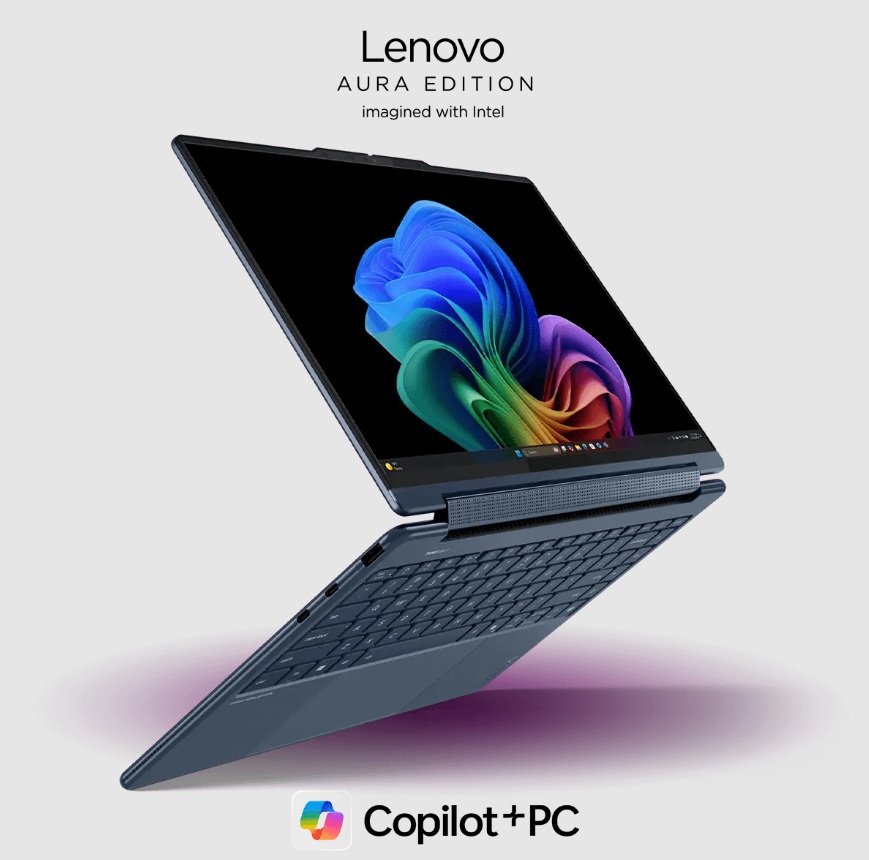
You finally have a machine that thinks as fast as you do. An AI PC for creators is not just a faster laptop. It is a dual-brain system that handles the heavy lifting while you focus on the art. Creators often feel stuck when tools move slowly. This new hardware changes that feeling forever. It uses a dedicated NPU to run complex math without heating up your room. You can now run several smart engines at the exact same time.
This means your video renders in one app while another app cleans your audio. Your workflow becomes a smooth stream instead of a clunky mess. You will save hours every single day. These machines help you stay in the flow state longer. Let us look at how you can use this power right now.
1. Smart Video Editing Without The Wait
Your video projects usually take a long time to process. An AI PC for creators changes this by splitting the work between the GPU and the NPU, enabling real-time effects processing, background segmentation, and accelerated timeline rendering without dropped frames.
You can track moving objects in one software while the second engine upscales your old footage. This dual-action approach keeps your preview window smooth. You do not have to wait for green bars to finish loading anymore.
Why Multi-Engine Matters For Film
Using two engines lets your computer breathe easily. The NPU handles the face recognition and mask cutting. The GPU focuses on the color grades and transitions. This teamwork prevents your software from crashing during big edits.
- Auto-reframe your TikTok clips while you color grade the 4K master.
- Remove background noise in real time while you sync multiple camera angles.
- Generate high-quality subtitles using local speech-to-text engines.
2. High Resolution Photo Magic On The Fly
Photographers often deal with thousands of raw files. An AI PC runs a sharpening engine in the background while you sort through your gallery. You can use one engine to identify the best shots based on focus and lighting. A second engine can then apply your favorite presets to those specific files.
- Upscale small images to poster size using neural filters.
- Remove unwanted people from the background with one click.
- Change the lighting on a portrait after you took the photo.
Keeping Your Workflow Local And Private
Running these tasks locally means your data stays on your desk. You do not need to upload files to a cloud server anymore. This keeps your client’s work safe and saves your internet bandwidth.
With more than 86% of the digital creators using AI in their work, AI PC are becoming an integral part of modern content production workflows.
3. Real-Time 3D Modeling and Texturing
Building 3D worlds used to require a massive desktop tower. Now your AI PC can handle complex lighting while you shape the digital clay. One engine calculates how light hits a surface. Another engine generates realistic textures for your 3D models. This happens simultaneously, so you see the final result instantly.
- Generate 3D shapes from simple 2D sketches.
- Auto-rig character bones so they move like real humans.
Working in 3D is much better when you can hear your ideas clearly, too.
4. Crystal Clear Audio Production Suites
Music producers and podcasters need silence and clarity. An AI PC for creators uses a specific engine to block out your fan noise and keyboard clicks. While that runs, you can use a second engine to separate a song into different tracks. It can pull the vocals away from the drums in seconds.
- Clean up messy field recordings with a single button press.
- Fix the pitch of a singer without making them sound like a robot.
Great audio makes your content feel professional and high-end. Now that your media looks and sounds great, you can focus on the words.
5. Writing And Research With A Personal Assistant
Writing a long script or a book is hard work. Your AI PC can run a local large language model to help you brainstorm. This engine works alongside your word processor to check for facts or suggest better words. It does not need the internet to function.
- Summarize long research papers while you write your main article.
- Organize your messy notes into a clean outline.
When your writing is done, you might need to show it to the world through a live stream.
6. Professional Live Streaming Without Lag
Streamers usually need a second computer to handle the broadcast. An AI PC does it all on one device. One engine encodes your video for Twitch or YouTube. A second engine replaces your messy room with a digital background.
- Keep your eyes looking at the camera even when you read notes.
- Translate your voice into different languages for a global audience.
- Automate your chat moderation to keep the vibes positive.
Streaming leads to a lot of files, which brings us to better organization.
7. Automatic Asset Tagging and Sorting
Finding that one clip from three years ago is a nightmare. An AI PC for creators scans your hard drive and tags every file automatically. It uses an engine to recognize face locations and objects in your photos and videos.
- Search for “beach” to find every vacation photo instantly.
- Group all videos that feature a specific person.
- Rename thousands of files based on what is inside them.
Organized files make it easier to start your next big graphic design project.
8. Graphic Design That Predicts Your Next Move
Graphic designers can now use engines that suggest layouts based on their style. You can draw a rough circle, and the AI turns it into a perfect logo. While you do this, another engine checks if your colors work for people with color blindness.
- Generate unique icons by typing a few descriptive words.
- Expand the edges of a canvas to fit different screen sizes.
- Match the fonts in an image to your local library.
Design is about speed, and these tools keep you moving forward.
9. Coding Your Own Creative Tools
Many creators now build their own small apps or websites. An AI PC helps you write code by predicting the next line. One engine checks for errors while another engine writes the documentation for you.
- Convert old code into a new language automatically.
- Find bugs in your website before you launch it.
Coding allows you to build a unique brand that stands out from the crowd.
10. Social Media Content Factory
The final step for any creator is sharing their work. You can run an engine that cuts your long videos into short clips for Reels. The second engine determines suitable captions and hashtags according to the visual content.
- The system enables you to choose your posting times for optimal audience reach.
- The system requires you to develop multiple image variants that match the requirements of each platform.
- Track your growth with smart data analysis.
Conclusion
You now have the tools to turn any idea into reality. An AI PC for creators takes the hectic parts of creation and handles them for you. You are the director, and the machine is your tireless crew. This technology gives you back your time and your energy. You can dream bigger because the technical walls are falling down. Start using these ten workflows today to see the difference. Your best work is still ahead of you.